the joy of plotting
How I've made generative drawings with a pen plotter, from a circle in Python to ink on paper.
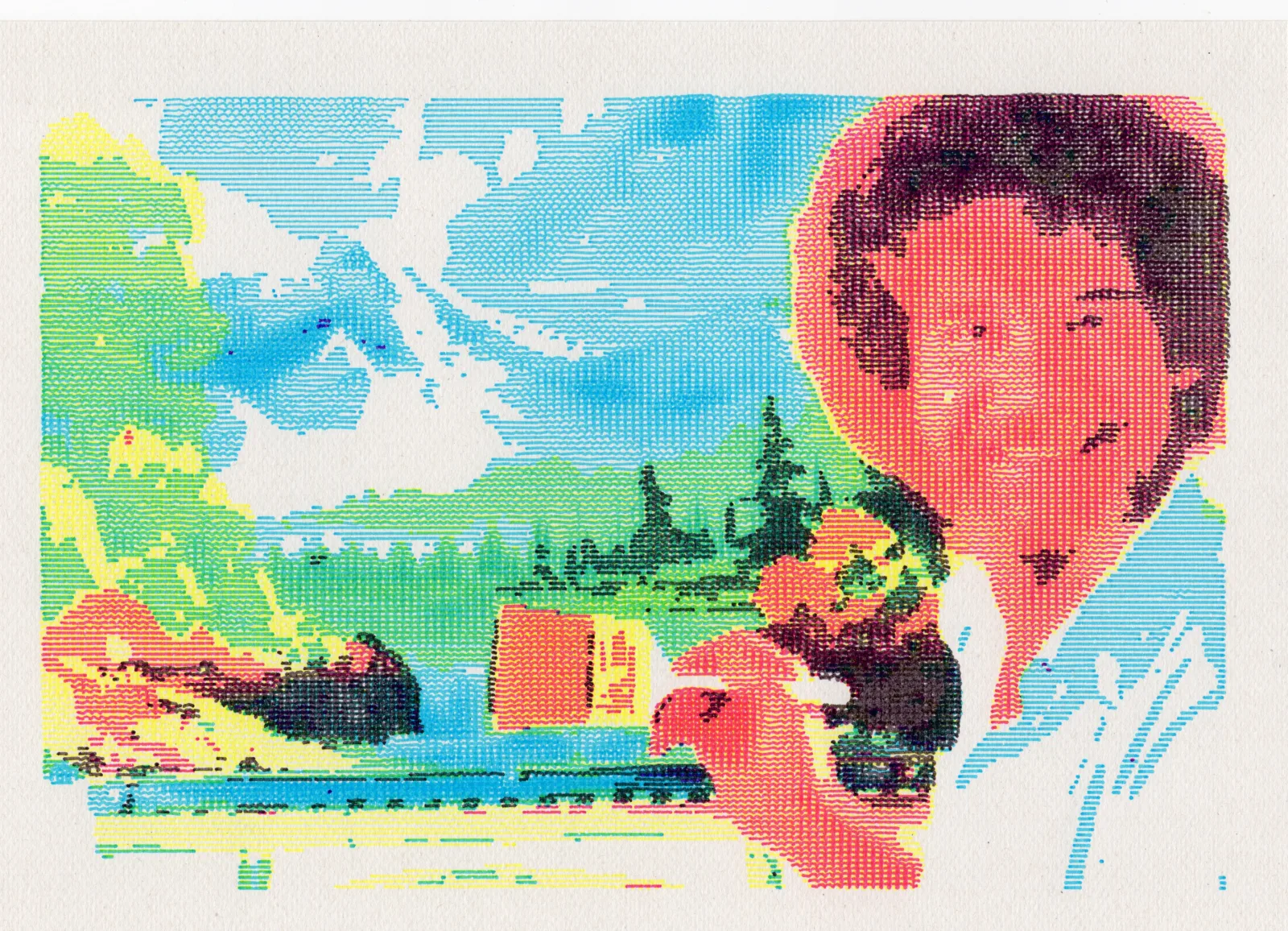
But first, what’s a pen plotter?
Years ago, between screaming baby goats and other slop AI videos, Instagram’s algo (that should know me kinda well after all) showed me some artworks created with weird 2-axis machines. After some digging I realized that some Chinese companies were making cheap CNC-style pen plotters
Hmmm… what’s the point? A machine that can draw instead of me? And me being able to write shitty code to make art?
OK, hold my coffee I’m in!
A circle is just a list of points
First task: Draw a f*$“/%! circle. I’m a developer, it should be simple right… Right?
In HTML/SVG a circle is one element. You write <circle> and the browser does the boring maths for you.
But <circle> will quickly become boring when you want to mess with it: add noise, distort it, change its radius point by point…
No choice, let’s build one ourselves!
θ(theta) is where I am around the circle (aka the angle)cosine(θ)gives mex(horizontal position)sine(θ)gives mey(vertical position)
sine and cosine use radians instead of degrees.
A full circle is 2π radians instead of 360°. π is half a turn, 2π is a full turn. Yeah why keep things simple?
That’s pretty much all we need to know.
Angle in, position out.
the loop
Now let’s make a bunch of those points:
from math import cos, sin, pi

points = []

for index in range(sample_count):
    angle = index / sample_count * (2 * pi)

    x = center_x + radius * cos(angle)
    y = center_y + radius * sin(angle)

    points.append((x, y))
index / sample_count tells us how far around the circle we are. Multiply by 2 * pi to turn that into an angle (you could also flex it with tau if you prefer).
With 4 points we get a diamond. With 8, an octagon. With enough points our eyes will start to see a circle.
It’s still just a bunch of straight lines!
x = cx + r cos(θ)y = cy + r sin(θ)- sin(θ)
- 0.000
- cos(θ)
- 1.000
- x
- 96.00
- y
- 0.00
Round is boring
So, we made a circle y0o0o0y! A perfect circle, perfectly boring…
It’s time to make things a little more interesting.
We could throw random numbers at every point to mess with the circle, but then we’ll end up with a spiky result.
Random doesn’t care that two points are neighbours.
What we want is noise: still random-ish, but smooth. Close points get close values… (So much more to write about different types of noise, but that’s for another time!)
For the actual sketch I use vsketch, a Python library made for this kind. It gives me Perlin noise, a preview and an SVG ready to plot.
The important bit:
from numpy import cos, pi, sin, linspace

angles = linspace(0, 2 * pi, 256, endpoint=False)

noise = vsk.noise(
    cos(angles) * noise_scale,
    sin(angles) * noise_scale,
)

radii = radius + noise * noise_amount

x = radii * cos(angles)
y = radii * sin(angles)

vsk.polygon(x, y, close=True)
The trick is asking for noise around a circle too. When the angle finishes one turn, the noise comes back to the same place, so there’s no ugly jump between the first and last point.
Now we can mess with how much the circle moves and how big the wobbles are:
r = radius + noise(x, y) × amountLooks nice on screen.
Now let’s see if the pen agrees:
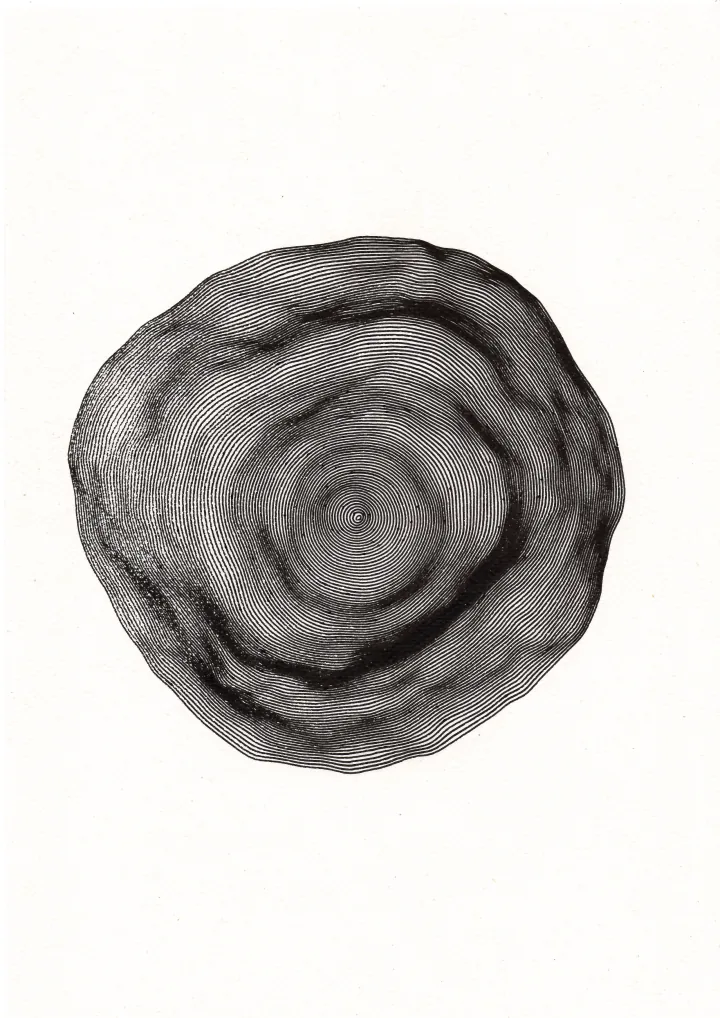
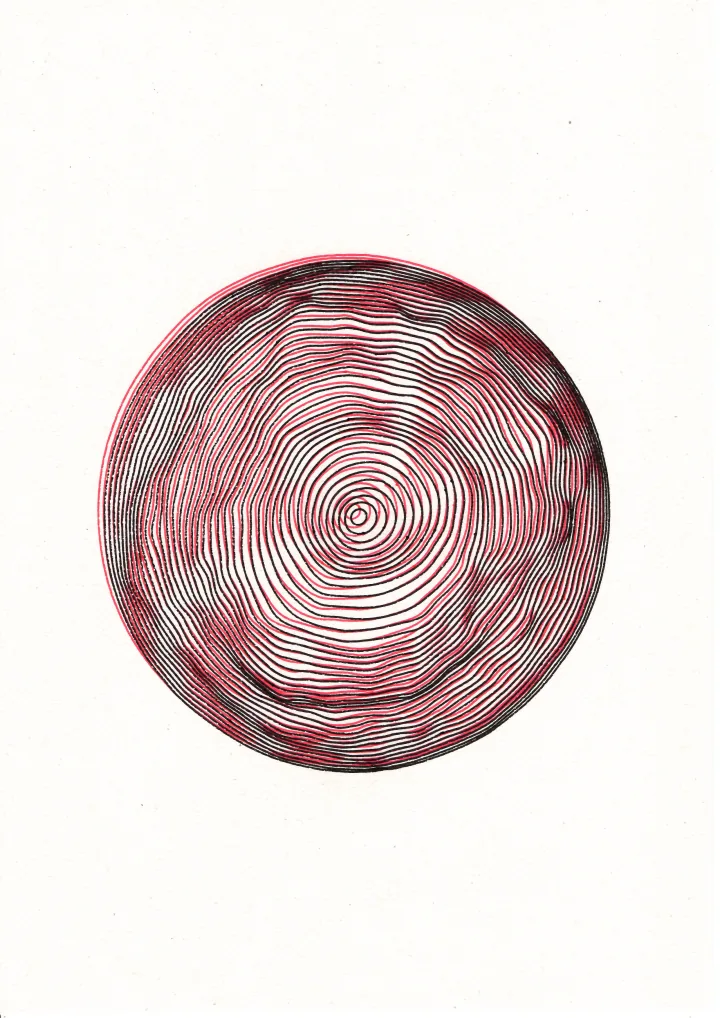
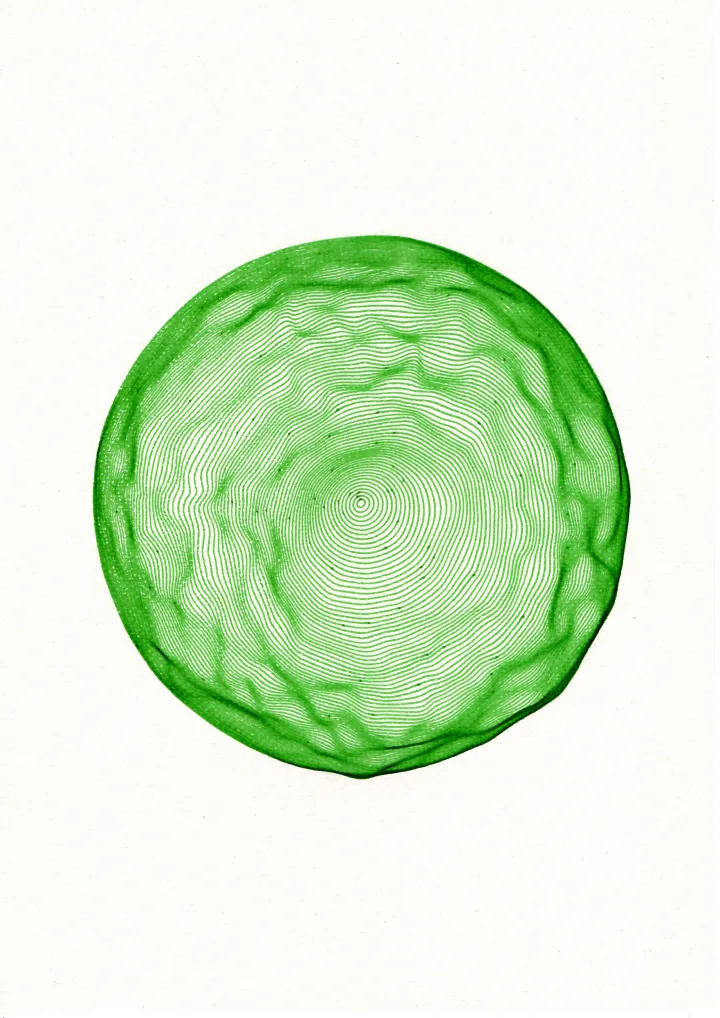
Three circles, a lot of lines, and a pen doing its best.
I got 99 problems but my circles ain’t one
And that’s pretty much it. A bit of maths, some noise, way too many lines, and suddenly code becomes something you can hold in your hands.
Now go break some circles and make something weird 💙
You can check out more of my plotted experiments on Instagram.